Press Kit

Screen Recorder for Mac
Screen Recorder, Screen Capture
A privacy-focused screen recording app for macOS with system audio, microphone and camera support, flexible recording controls, and built-in tools.
At a Glance
Quick Facts
- App
- Screen Recorder, Screen Capture
- Developer
- Maryam Derakhshesh
- Platforms
- macOS · iOS · iPadOS
- Category
- Utilities
- Availability
- Mac App Store · App Store for iPhone & iPad
- Pricing
- Free to download · In-App Purchases available
- Privacy
- Data Not Collected · No account required
- Product Websites
- Mac · iPhone & iPad
- App Store short link
- apple.co/3TwS8uP
- Press Contact
- support@iapps.app
About the App
Screen recording designed around the Mac.
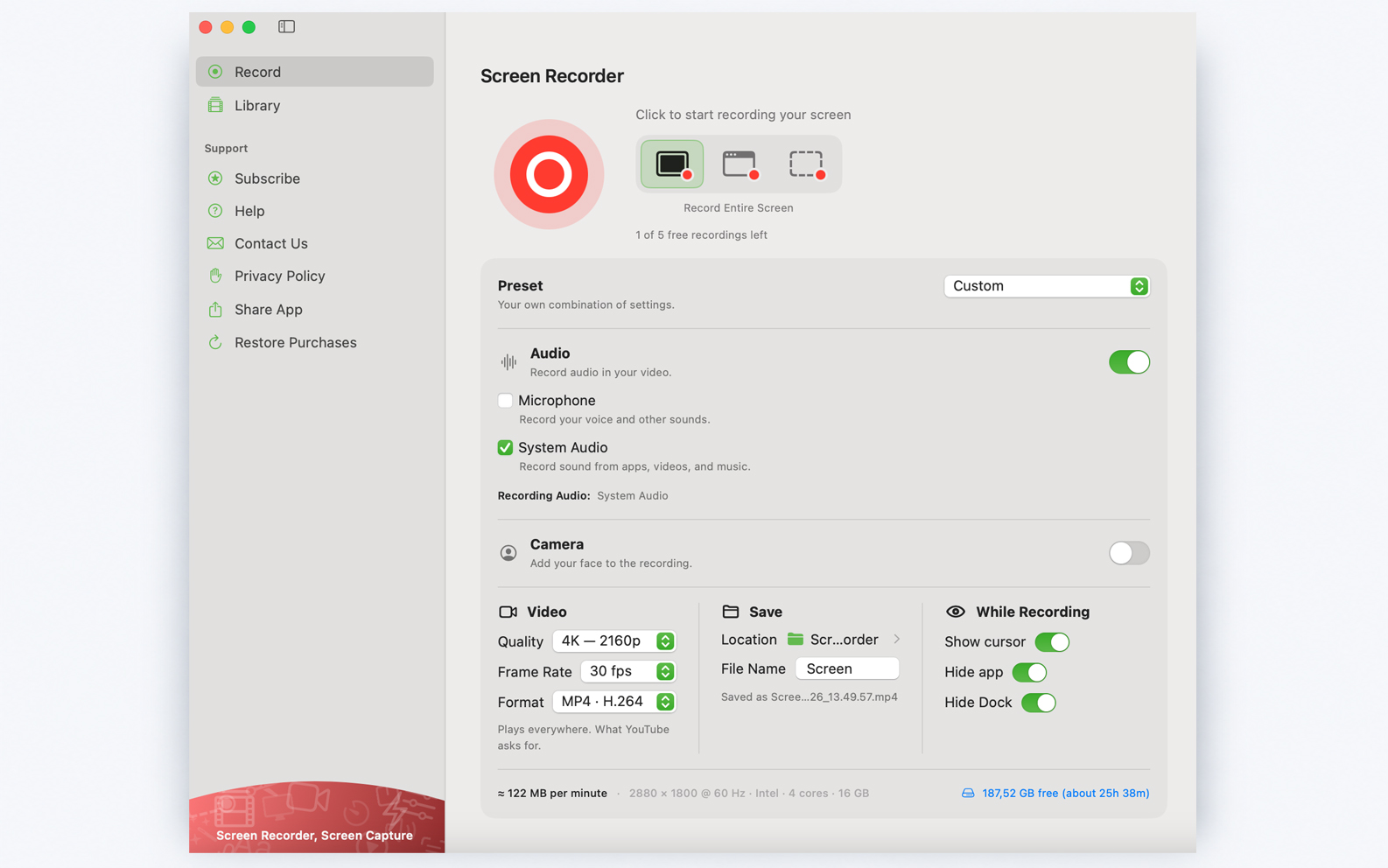
Screen Recorder for Mac is designed to make recording on macOS simple and flexible. Users can capture a full screen, a window, or a selected area; configure system audio and microphone input; add a camera overlay; adjust recording settings for different workflows; choose where files are saved; and start recordings quickly from the menu bar. The app is designed with privacy in mind and does not require an account.
Product
Key Features
Flexible Capture Modes
Record the full screen, an individual window, or a selected area of the display.
System Audio & Microphone
Configure system audio and microphone input depending on the recording workflow.
Camera Overlay
Add a camera feed to recordings, choose its size and shape, and position it where needed.
Menu Bar Quick Start
Start recording directly from the Mac menu bar without returning to the main app window.
Recording Presets
Start with Recommended, YouTube, High Quality, Smaller File, or custom recording settings.
Flexible Video Settings
Configure resolution, frame rate and video format, including MP4, MOV, H.264, HEVC and ProRes options.
Save Location Controls
Choose the destination and file name before recording so completed files stay organized.
Privacy by Design
No account is required and the app is listed on the App Store as Data Not Collected.
Product Interface
Product Screenshots
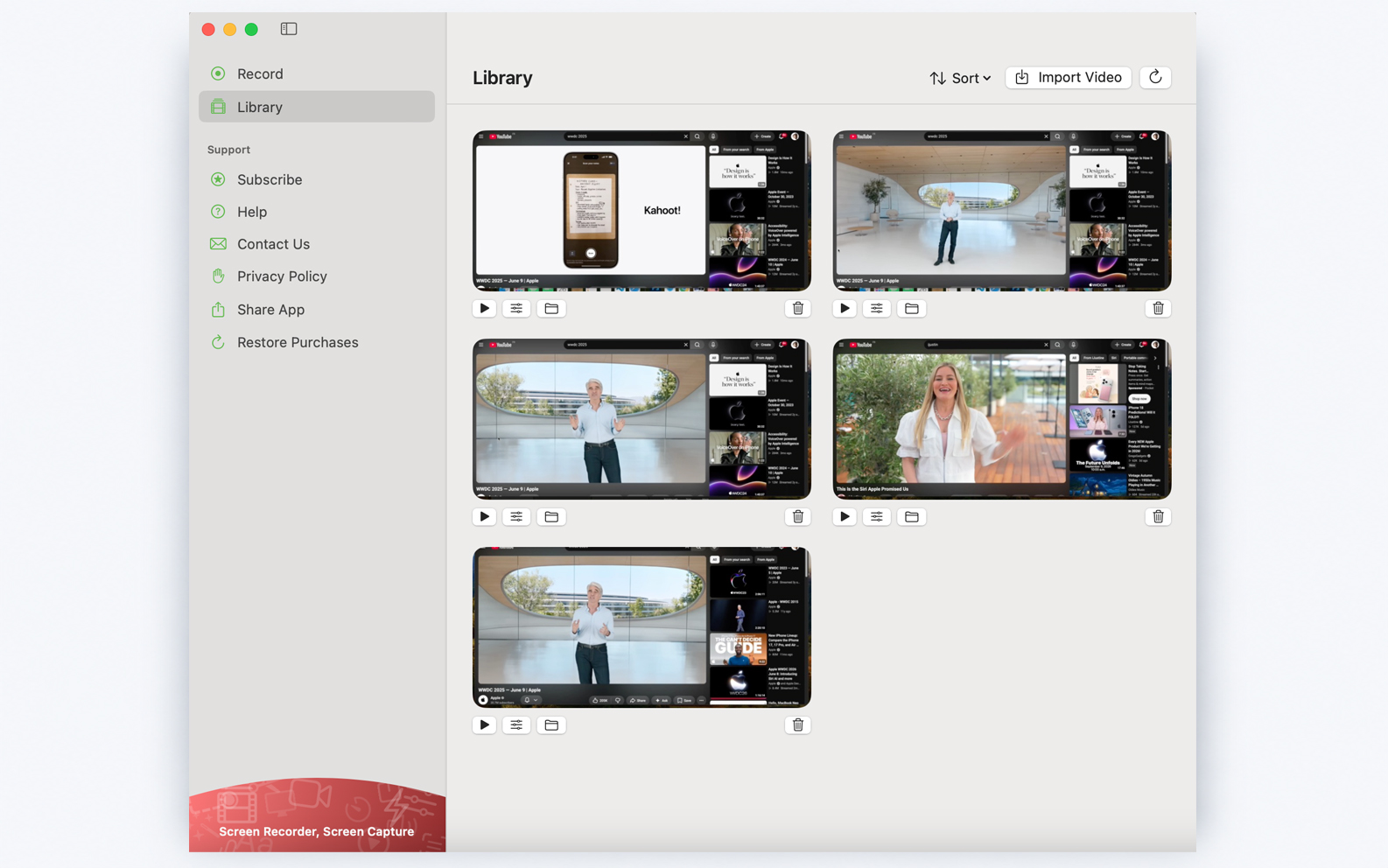
Screenshots of the current Mac interface for editorial reference and product coverage.
Feature Media
Feature & Editorial Images
Press-ready visuals highlighting key Screen Recorder features and workflows.
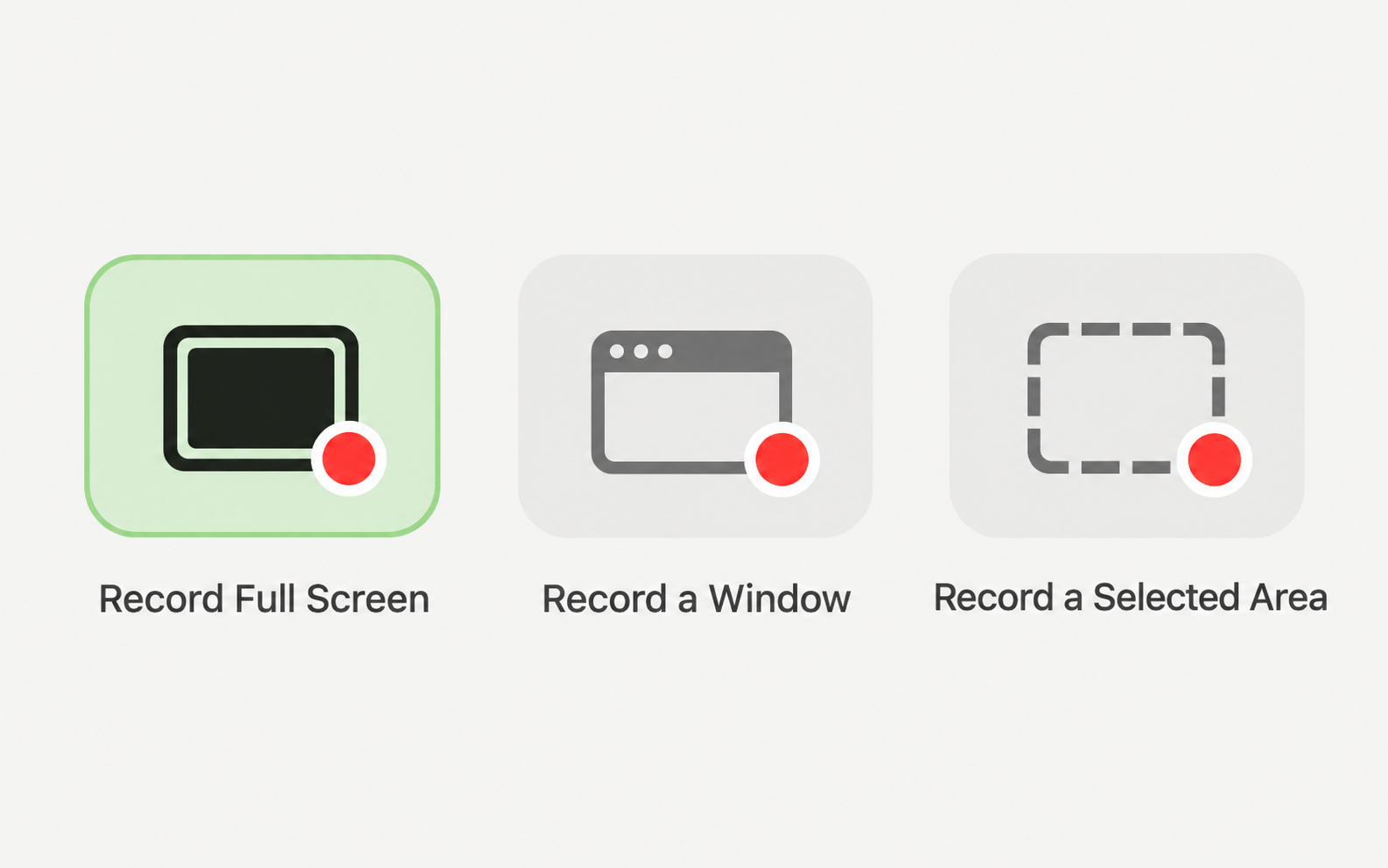
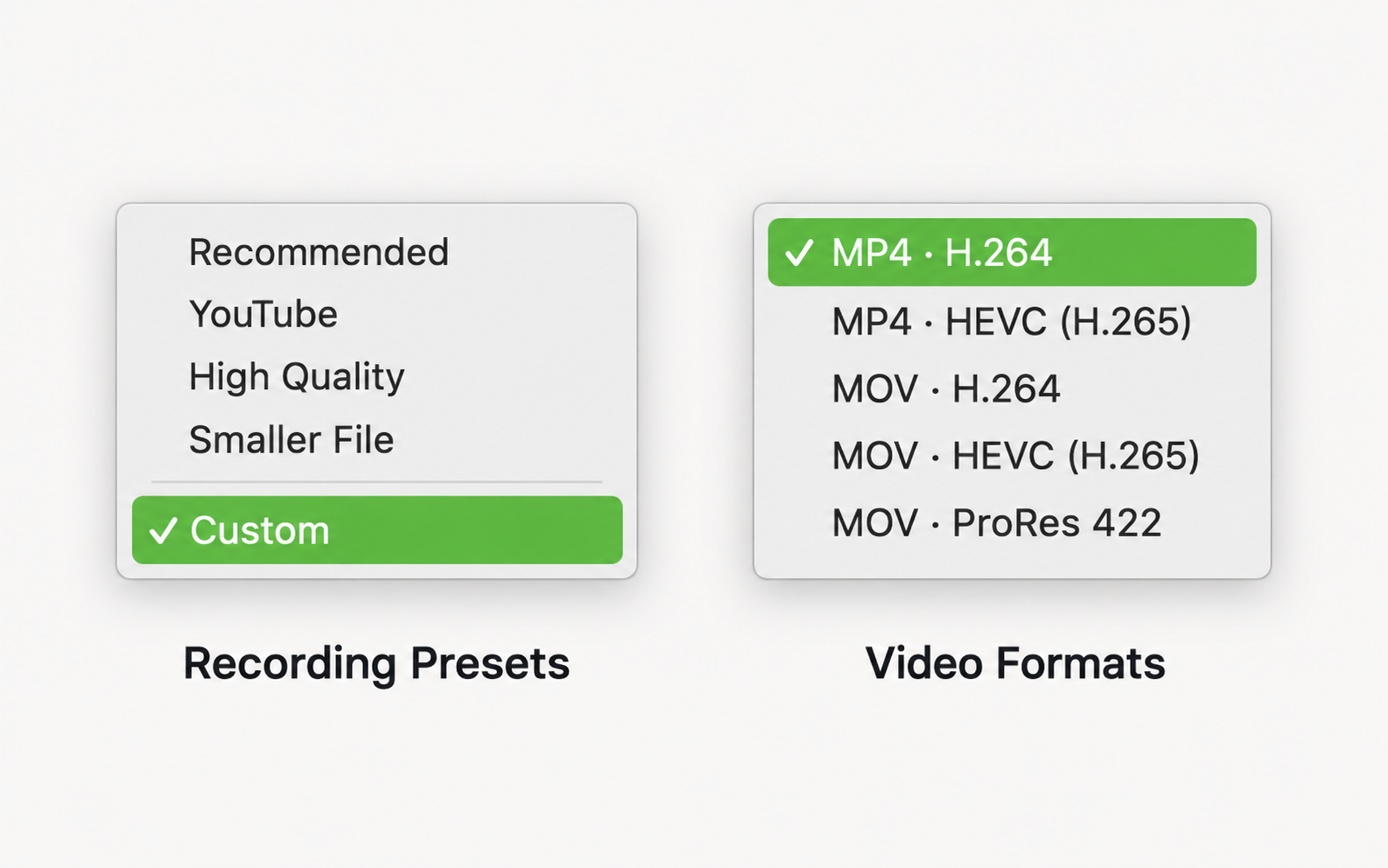
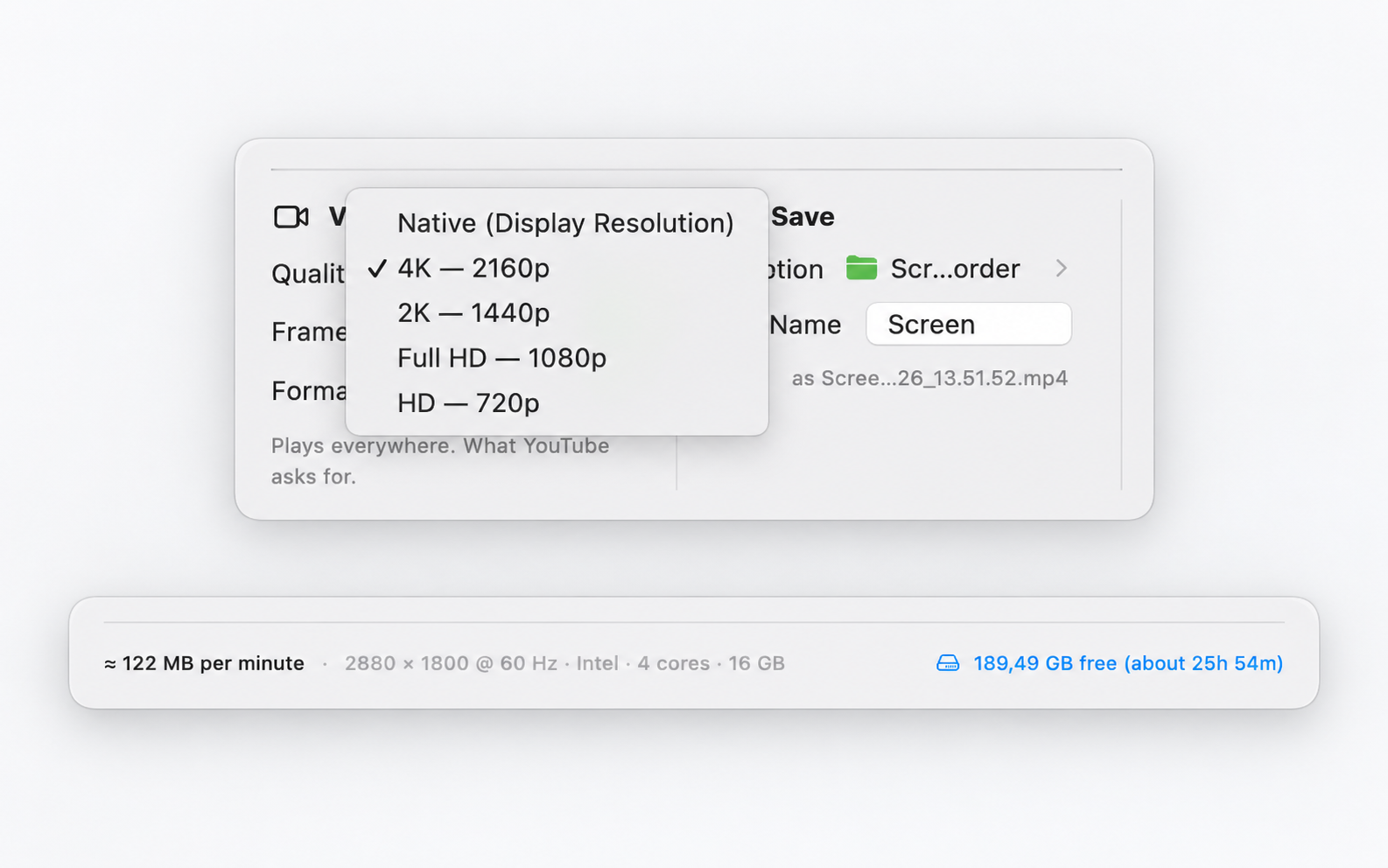
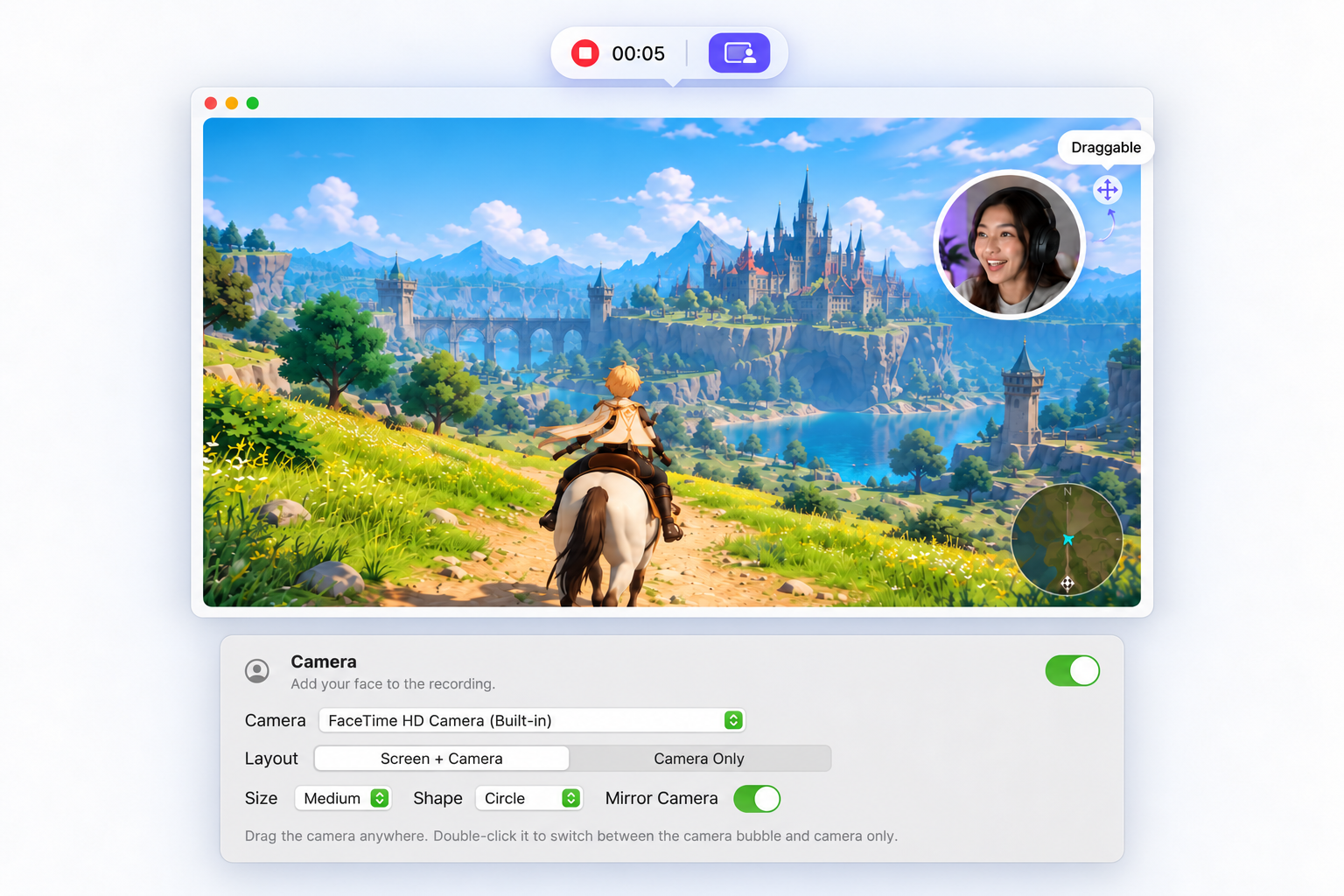
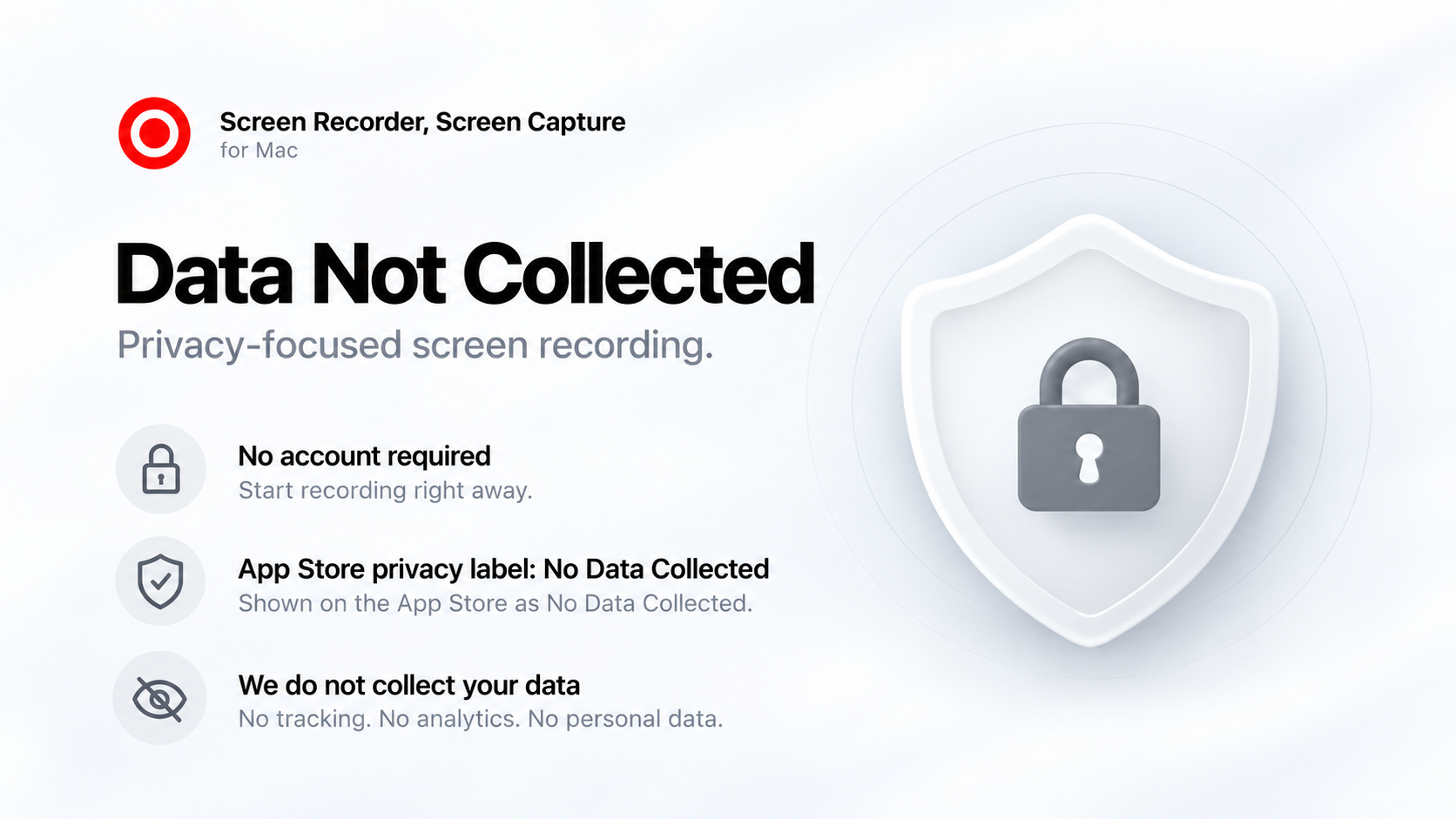
Product screenshots show the Mac interface. Feature images are prepared for editorial and press use to illustrate specific recording capabilities.
For Reviewers
Review Guide
For a quick overview of Screen Recorder for Mac, we recommend the following workflow.
- Open Screen Recorder and review the available recording settings.
- Choose Full Screen, Window, or Selected Area capture.
- Configure system audio and microphone input.
- Enable Camera if you want to add a camera overlay.
- Select a preset or customize quality, frame rate and format.
- Choose where the recording should be saved.
- Start recording from the app or use Menu Bar Quick Start.
- Stop the session and open the completed recording from the Library.
Need help testing the app? support@iapps.app
Downloads
Press Assets
Download Press Assets
Individual full-resolution product screenshots and feature images can be downloaded directly from the media sections above. A combined press asset package can also be added here.
Developer
About Maryam Derakhshesh
Maryam Derakhshesh is an independent developer creating apps for Apple platforms, with a focus on simple, privacy-conscious software designed to feel at home on Apple devices.
Visit Developer Website